How to Prepare Your Smartphone for Pawning: A Step-by-Step Guide
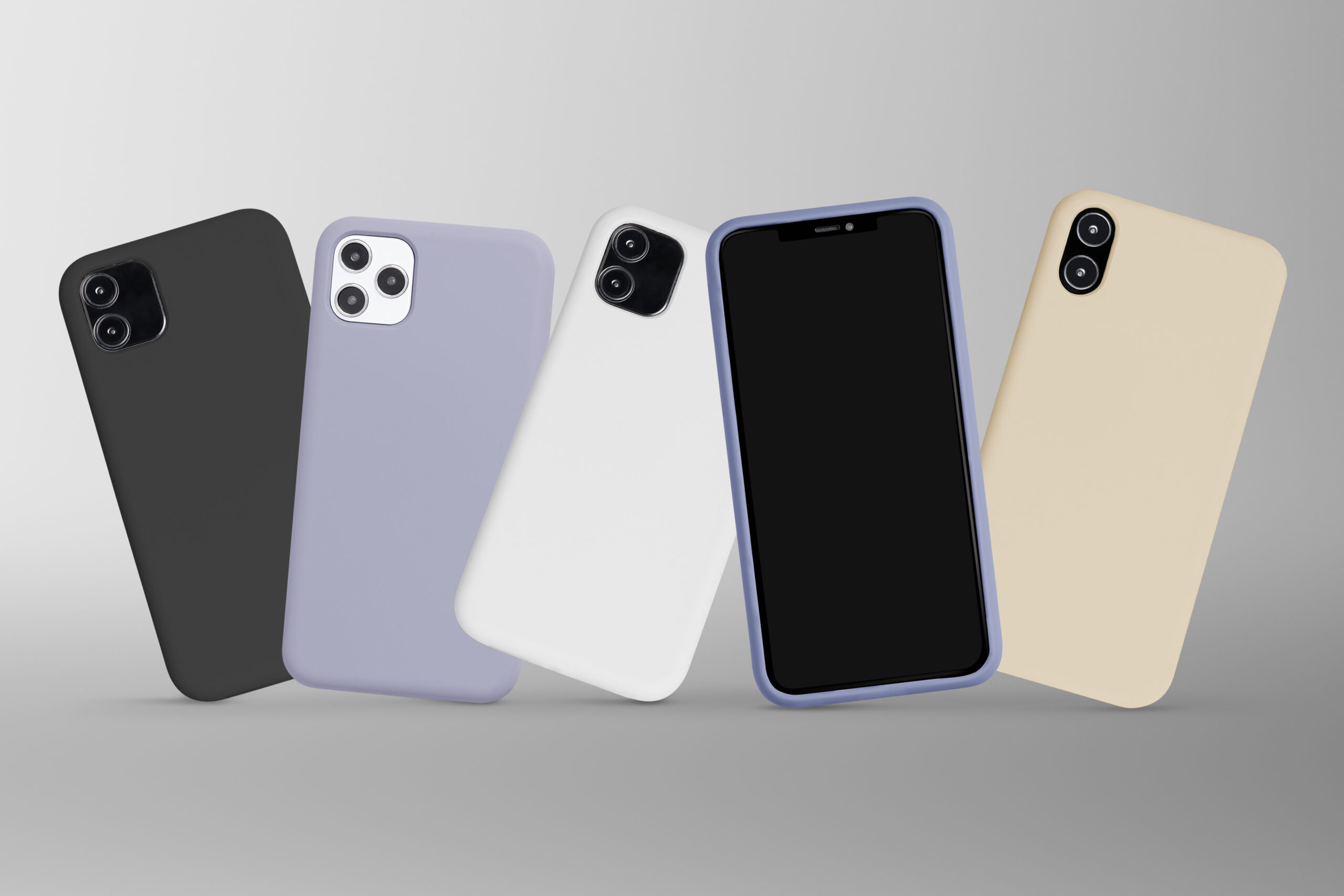
If you need quick cash and are considering pawning your smartphone, proper preparation can help you secure the best value for your device. Whether you’re in Pomona, Chino, or anywhere in California, this step-by-step guide will walk you through everything you need to know to prepare your phone for a pawn shop visit. Follow these tips to maximize your offer and ensure a smooth transaction.
Back Up and Erase Your Data Securely
Back Up Your Data
Before handing over your smartphone, it’s vital to protect your personal information. Start by backing up your phone’s data to the cloud or an external device. For iPhones, use iCloud or iTunes; for Android devices, sync with your Google account or transfer files to a computer or external storage.
Erase All Data
Once your data is backed up, it’s time to erase it. Go to your phone’s settings and choose the “Factory Reset” or equivalent option for your device. This step ensures that all personal files, photos, and passwords are deleted and prevent anyone from accessing your information.
Remove iCloud/Google Account and Disable Find My iPhone
Remove Accounts
To avoid complications during the pawning process, remove your iCloud (for iPhones) or Google (for Android) account. These accounts are tied to security features that may make your phone unusable for new owners.
Disable Find My iPhone or Similar Features
For iPhone users, make sure to disable the “Find My iPhone” feature, as pawn shops cannot accept devices still linked to this security setting. Similarly, disable any equivalent tracking features on Android phones.
Unlock the Phone From Your Carrier (If Possible)
If your phone is locked to a specific carrier, unlocking it can significantly increase its value. Contact your carrier to check if your phone is eligible for unlocking and request the necessary steps. Unlocked phones often fetch better prices because they are easier to use with other networks.
Clean the Device Physically
Clean the Screen and Body
A neat and tidy smartphone not only looks more appealing but also gives the impression that it’s well cared for. Use a microfiber cloth to clean fingerprints and smudges from the screen. For the body, gently wipe away dust and dirt with a slightly damp, lint-free cloth.
Check and Clean Ports
Examine the charging port, headphone jack, and speakers for debris. Use a toothpick or compressed air to remove any particles carefully.
Check the Case
If you’re including a phone case, clean it thoroughly to enhance your phone’s overall appearance.
Gather Original Accessories
Including original accessories like the charger, USB cable, earphones, and even the box can boost your phone’s value at the pawn shop. Pawnshops like AJ’s Super Pawn often pay more for a complete set. Take a moment to locate all the original accessories your smartphone came with before pawning it.
Check the Current Market Value
Research the market value of your phone to set realistic expectations for the pawn shop offer. Use websites like eBay, Gazelle, or Swappa to see how much your specific phone model is currently selling for. Remember, pawn shops typically offer a percentage of the resale value, so knowing this figure will help you negotiate confidently.
AJ’s Super Pawn: Pawn Shops in Pomona and Chino, California
If you’re ready to pawn your smartphone, AJ’s Super Pawn is here to help. With locations in Pomona and Chino, we offer straightforward assessments, honest pricing, and swift cash in hand. Call us today—Pomona at 909-622-0334 or Chino at 909-465-5456—or visit our stores to learn more. You can also fill out our convenient contact form to connect with our team. Trust AJ’s Super Pawn for a fast, hassle-free experience!